About BrainSwitchs
Most tools treat every thought the same.
Budgeting a quarter, writing a screenplay, reviewing software architecture, brainstorming startup names. Every tool hands you the same blank document or the same pastel whiteboard. We think that's the wrong starting point.
01 · The core motive
You can't generate and evaluate at the same time.
Try to brainstorm while worrying about structure, budgets and feasibility, and the analytical part of your mind strangles the idea before it can breathe. Try to make a hard decision while lost in an open-ended space, and you end up with endless notes and nothing finished.
BrainSwitchs was built to separate those two states. Before you write a word or place a card, you choose:
Logical Left
Is this task analytical, deductive and decisive?
Creative Right
Or is it generative, associative and open?
Then you step into a space shaped for that mindset, and most of the friction that wears you out goes away.
02 · Why it was created
Most apps are file cabinets. They store thoughts but do nothing to guide how you think.
Idea graveyards
People create hundreds of sticky notes and boards that never turn into decisions or finished projects.
Context-switching fatigue
Jumping between Notion lists, Miro boards and timer widgets forces the brain to rebuild context over and over, bleeding momentum.
The blank canvas freeze
Willpower is rarely enough in front of an empty screen. People need mental models like First Principles, Inversion and 5 Whys built into the surface.
So BrainSwitchs isn't another place to dump notes. It's a cognitive workstation: a workspace that acts like an outside copy of your neural network, and shows you how your mind is actually working.
03 · What it solves
Five problems, five answers.
Generating vs. judging
The problem
Critical thinking ruins creative ideation. Creative thinking delays structured decisions.
What BrainSwitchs does
Dedicated hemisphere modes. Logical defaults to structured tables, checklists, 16 Hz beta tones and problem-definition frameworks. Creative gives softer surfaces, a freehand pen, 10 Hz alpha tones and associative mind maps.
Infinite open loops
The problem
Sessions end abruptly. You close the laptop with twelve tabs open and carry the unfinished weight into the rest of your day.
What BrainSwitchs does
The Decision Gate. When a timer ends you record one conclusion, learning or next action. It's stamped onto the project card and the calendar.
Visual chaos
The problem
Rainbow sticky notes look playful at first, then overload working memory during long thinking sprints.
What BrainSwitchs does
Strict, intentional monochrome. Tone, contrast and spatial hierarchy do the organizing, with no colorful distractions.
Planning vs. doing
The problem
Calendars let you plan ideal days that never match reality, which mostly creates guilt.
What BrainSwitchs does
The unified Timeline. The tasks you scheduled sit right beside the focus sessions you actually recorded, so you see intention and execution side by side.
Neglecting one side
The problem
Most people drift into analysis paralysis or endless daydreaming without noticing.
What BrainSwitchs does
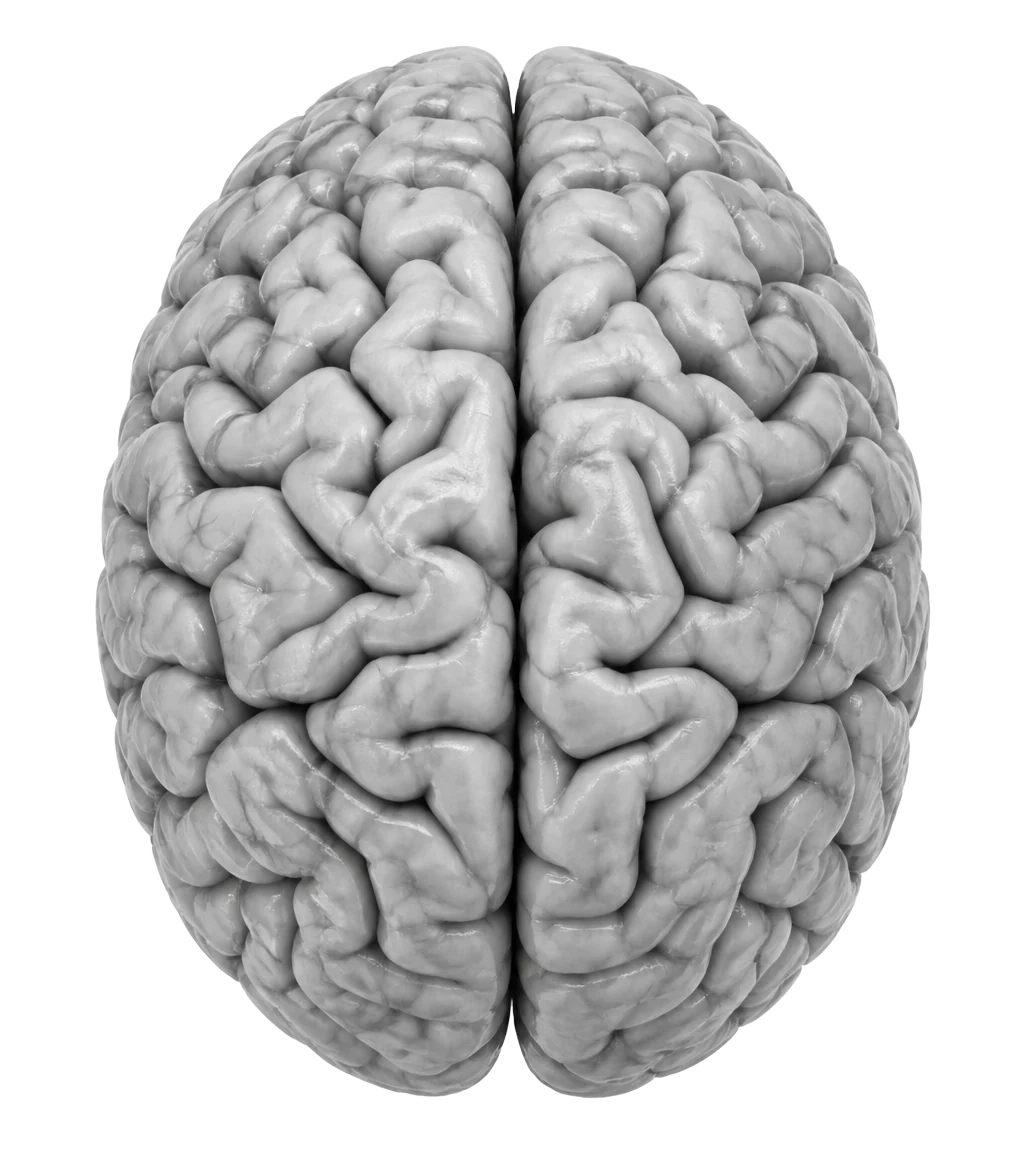
The Living Brain. Each hemisphere brightens in proportion to your focused time that week, a mirror for your thinking habits.
This month
Logical lean
Drag to see how the brain changes. In the app this comes from the sessions you log.
Intention next to execution
04 · The real problem
"We're solving uncalibrated attention."
Knowledge workers, students, founders and creators don't lack note-taking apps. They lack anchored thinking. Most people sit down to work in a reactive fog. BrainSwitchs anchors them in three steps.
Calibrate
Pick the hemisphere and focus frequency that match what the problem demands.
Think spatially
Map ideas, data, documents and frameworks together on one canvas, with no file silos.
Resolve
Close the loop with a permanent decision before moving to the next task.
05 · What's next
What we're working on.
Today BrainSwitchs has the dual-mode canvas, live binaural focus tones, Thinking Protocols, view-only public sharing and cross-device sync. Next up:
Real-time collaboration
Taking sharing from view-only links to live, multi-cursor thinking sprints, without losing the quiet.
A deeper topic web
Letting ideas from different projects surface connections across your whole knowledge graph on their own.
Mobile that feels native
Quick capture, timeline reviews and focus sessions that feel as immediate on a phone as on a desktop.
Who's behind it
Sahil Saudagar
Founder, BrainSwitchs
BrainSwitchs started as a fix for my own days: planning in the morning, creating in the afternoon, and losing the thread every time I switched apps. I wanted one place that asks what kind of thinking I'm about to do, and then gets out of the way.
Other things I've built
Infosized
Information design studio behind clear, visual explainers and carousels.