Compare · Linked notes
BrainSwitchs vs Obsidian
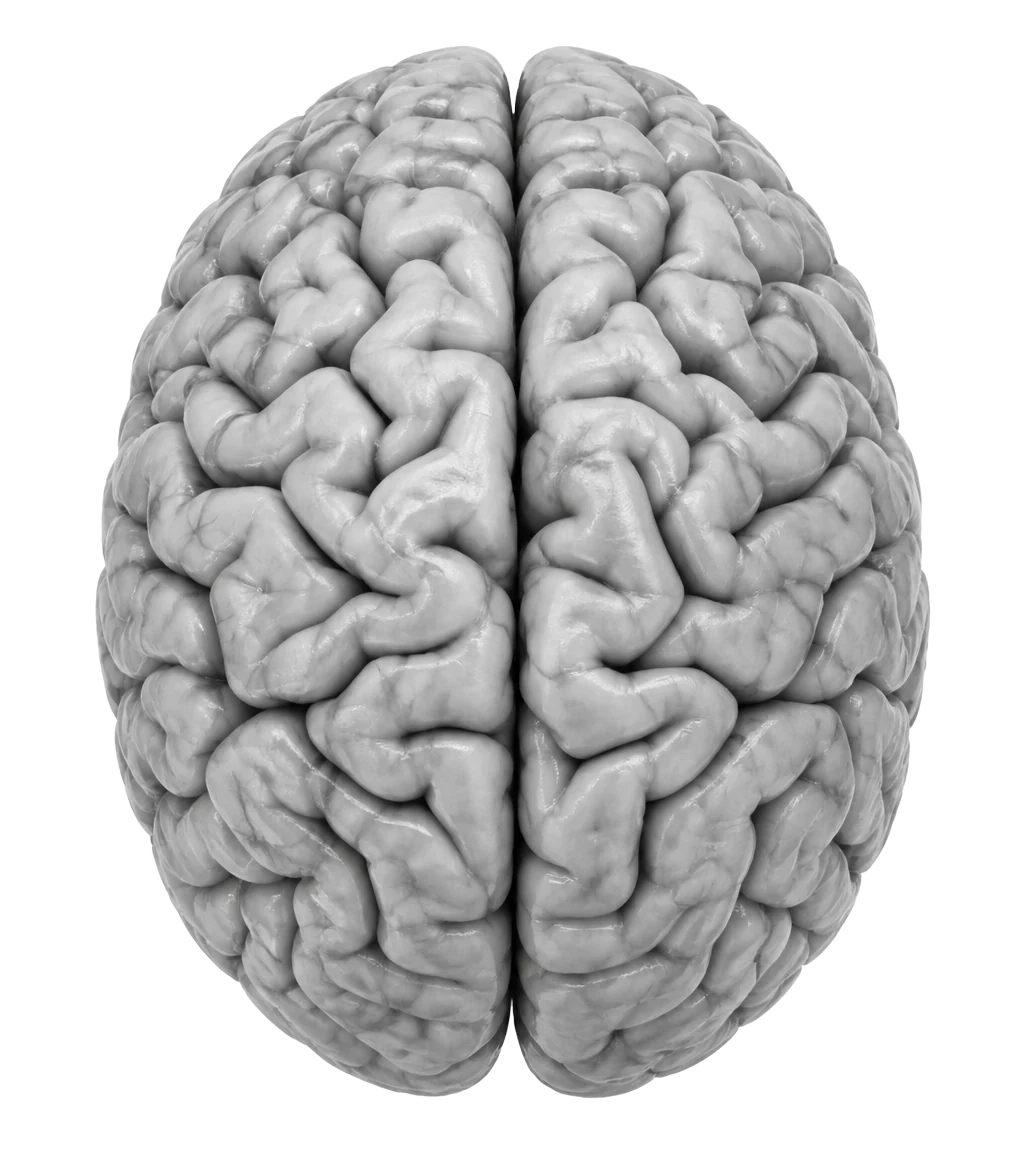
Obsidian maps notes as a graph. BrainSwitchs maps whole projects as a neural network, and adds canvases, databases and focus tracking out of the box.
Obsidian fans love linked notes and the graph view. BrainSwitchs has its own version of that idea: the Network view shows your projects as nodes and the topics they share as pathways. The difference is that BrainSwitchs runs in the browser, syncs on its own, and comes with canvases, databases and charts without plugins.
| Feature | BrainSwitchs | Obsidian |
|---|---|---|
| Markdown shortcuts | Yes | Yes |
| Graph of connected work | Network view of projects and shared topics, plus Patterns on a brain map | Graph view of notes |
| Pages and canvases nested in each other | Yes | Canvas can hold notes |
| Canvas | Built in, with frames, arrows, pen | Canvas core plugin |
| Databases and charts | Built in | Through community plugins |
| Sync across devices | Included | Paid add-on or DIY |
| Runs in the browser | Yes | Desktop and mobile apps |
| Files stored locally as Markdown | Export to Markdown | Yes, by design |
Obsidian details are based on its publicly listed features and may change. Corrections welcome.
Choose BrainSwitchs if
- Nothing to set up. Open the link, sign in, start.
- Canvases, databases, charts and a focus timer work out of the box.
- Share a project with someone who has never heard of the app.
Stick with Obsidian if
- Your notes live as plain files on your own disk.
- Thousands of community plugins if you like to tinker.
Moving from Obsidian
Copy any note into a BrainSwitchs page. Markdown headings, lists and checklists convert as you paste.
You don't have to move everything at once. Plenty of people start with one project, see how the canvas and pages feel together, and bring the rest over later.